 Automatoes
Plays rounds for you
It picks the map and mode, places your towers and starts the next round when one ends. It reads the words on the screen to know where it is, so it reacts to what the game shows.
- F10 Start
- F9 Pause
- Esc Stop
Free macro for Windows
Automatoes is a free Windows macro for Anime Adventures on Roblox. It reads the game screen, clicks the buttons and starts the next round when one ends.
Supported game
Anime Adventures
On Roblox, in a window. More games later.
What it does
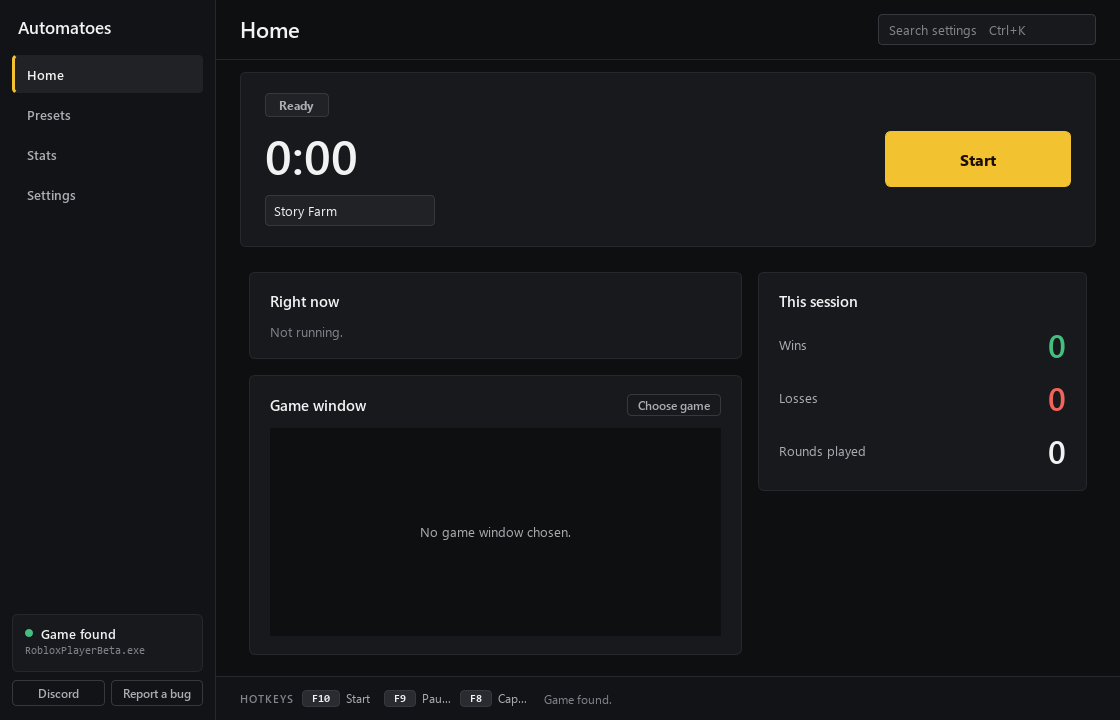
A preset tells Automatoes what to click and where your towers go. Then it plays on its own and keeps going.
It picks the map and mode, places your towers and starts the next round when one ends. It reads the words on the screen to know where it is, so it reacts to what the game shows.
If you get disconnected, it finds the Reconnect popup and joins back in by itself.
Test a setup first. Dry Run lists every click it would make, without moving your mouse.
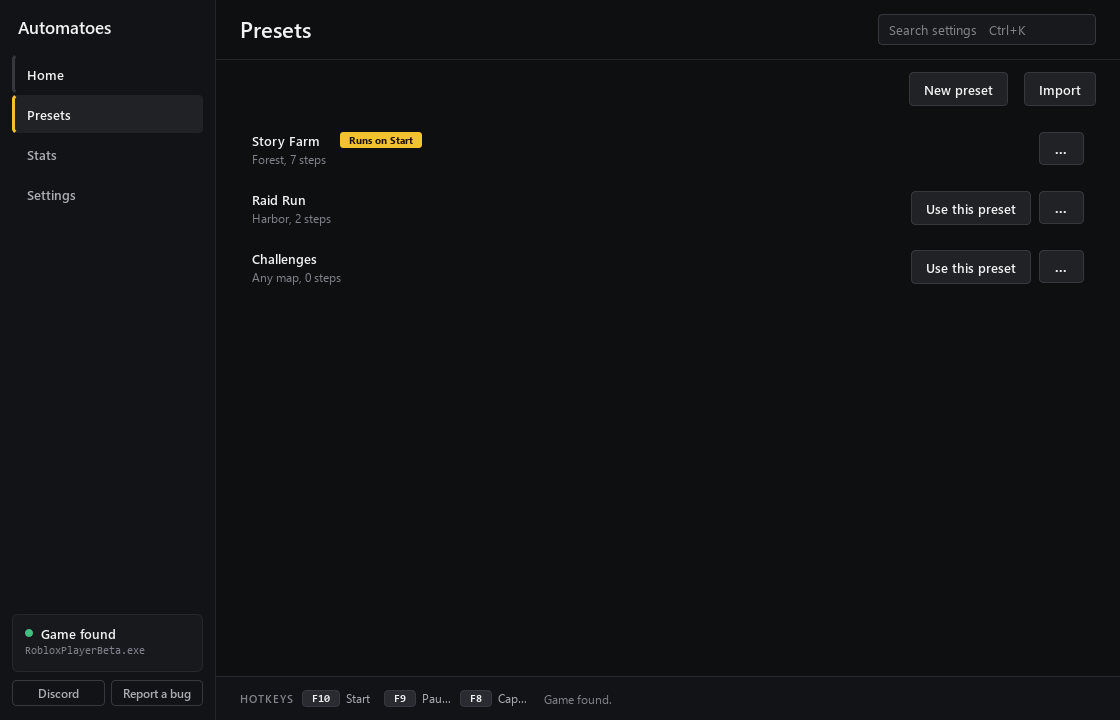
A preset is a full setup: what to click and where your towers go. Make your own or import one.
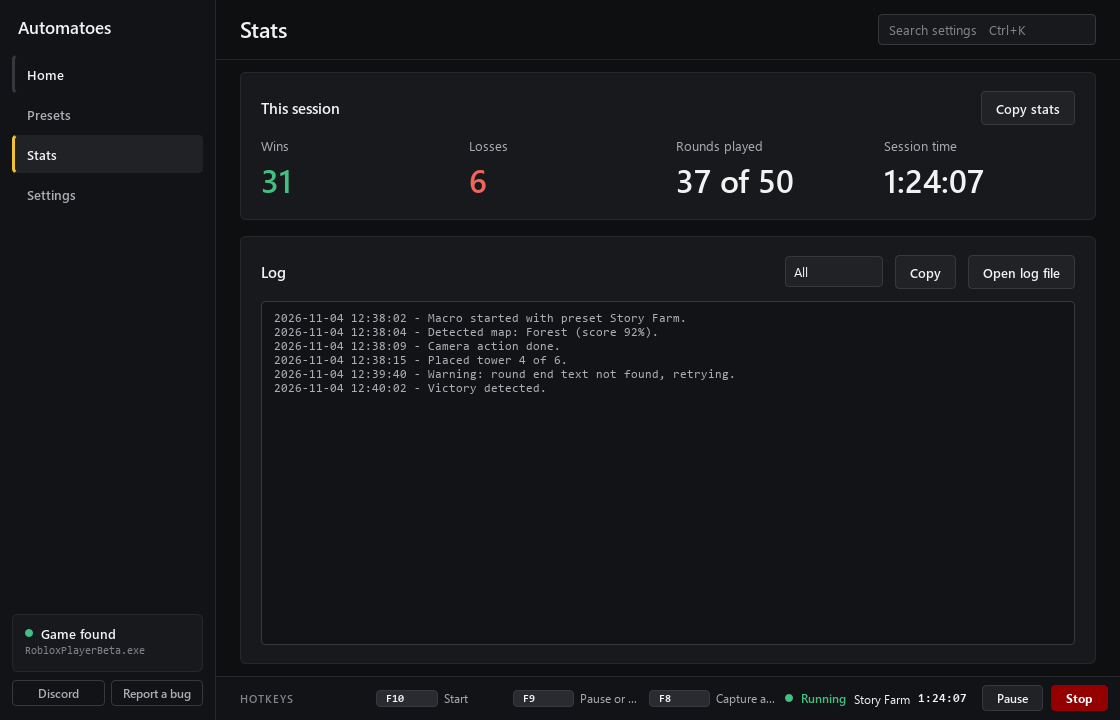
Wins, losses and rounds played for this session, plus a log of every step it took.
The app
Home, Presets, Stats and Settings. Pick a preset, press Start, and watch the numbers.
How it works
No Python, nothing else to install.
It installs itself for your Windows user and opens.
Open Roblox in a window, click Find in the app and pick Roblox. Press F7 to pin it.
Choose a preset and click Use this preset.
It starts playing. Press Esc to stop at any time.
One file for Windows. Open it and it installs itself, then pick a preset and press F10.
Questions
The three things players ask first. The rest is on the FAQ page.
Yes. It only does what you could do by hand: it moves your mouse, presses keys and reads the words on the screen. It does not change game files, game memory or your Roblox account, and it never asks for your password.
Not really. It uses your mouse and keyboard, so keep your hands off them while it runs and do not cover the game window. Press F9 to pause and Esc to stop.
Windows shows this box for new apps without a paid certificate. Click More info, then Run anyway. The install page shows each step.
Discord
Ask about your setup, share presets and hear about updates first.